Formats
- — Select a supported flat or folded Place Card format before uploading
- — Upload and crop a PNG or JPG to cover the required bleed area
- — Use the selected home-print, pre-cut, or print-shop setup
Bring your own eligible artwork
Export place card artwork from Canva as a PNG or JPG, then use WedPapers to apply a guest list and arrange personalized cards for printing.
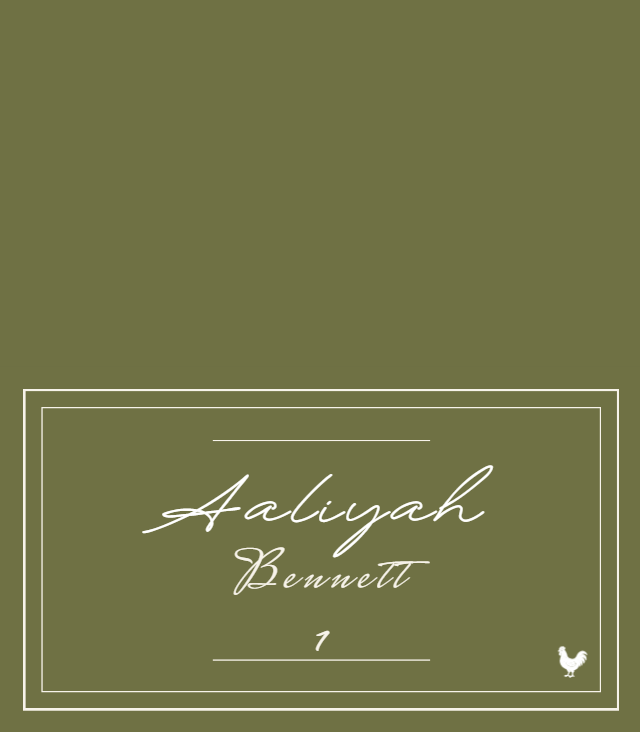
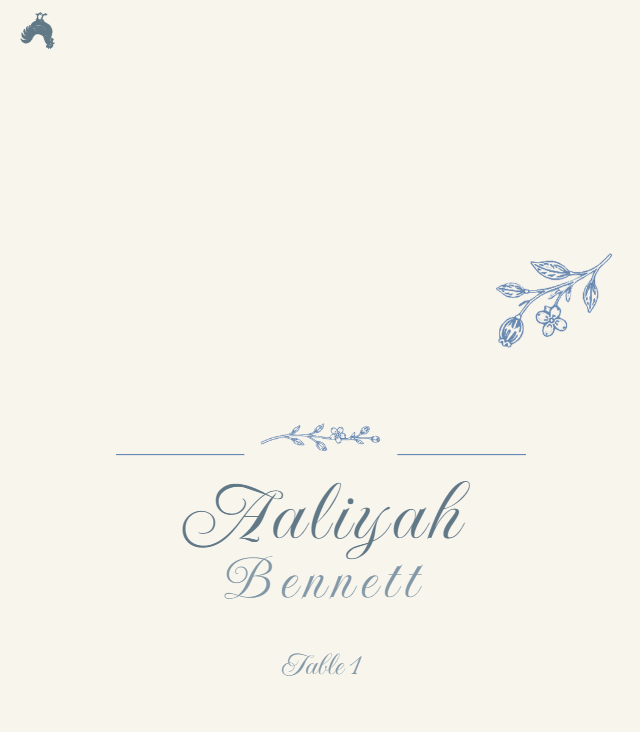
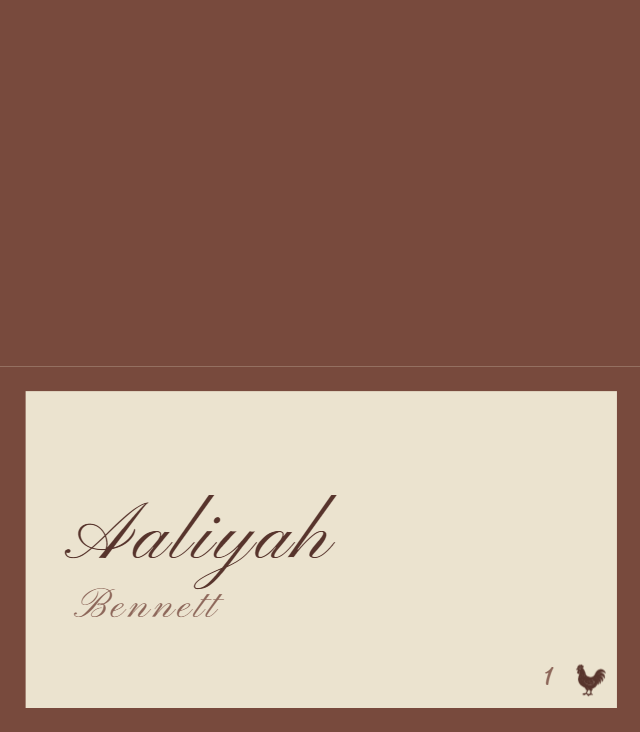
Choose the matching Place Card format first, upload and crop the artwork as a locked background, add guest data, then inspect both Component Preview and Print Preview before downloading. The gallery below shows real WedPapers layout examples; your uploaded artwork remains the raster image you chose.
Use my place card artwork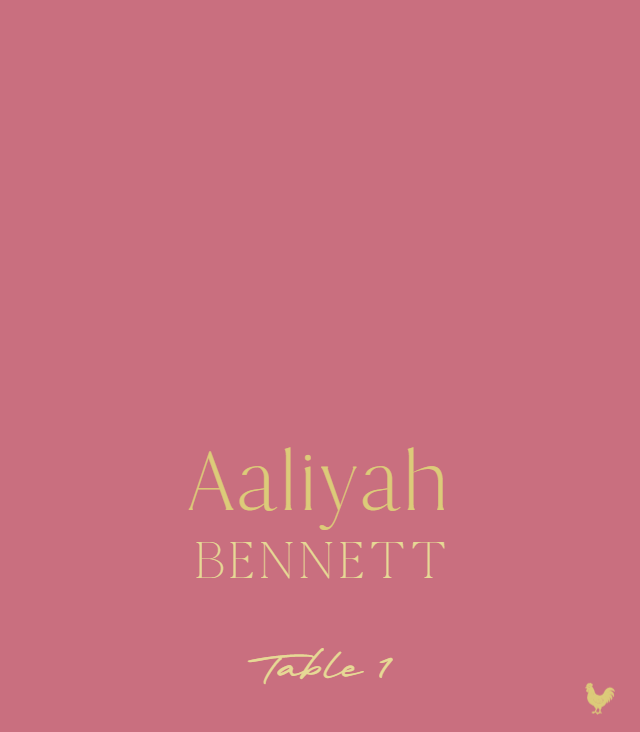
Real WedPapers templates


The Maker workflow
Preview in the browser and download a watermarked proof PDF for free. A one-time purchase unlocks print-ready PDF exports for the covered piece in that Wedding Project. See current options on the pricing page.
Know the limits